What is an AI harness, and who actually runs the tools?
Published
The model asks for a tool. Surrounding software checks permission, runs it and returns its output. Follow one real test result through a tiny JavaScript harness.
Explanation & code
Custom JavaScript teaching adapter and a scripted model; the test execution is real. This is one tool round trip, not a production harness or sandbox. Provider-hosted tools run on provider infrastructure. Neither a model nor a harness is a universal winner.
Understand it. Then fix it.
A tool request is data
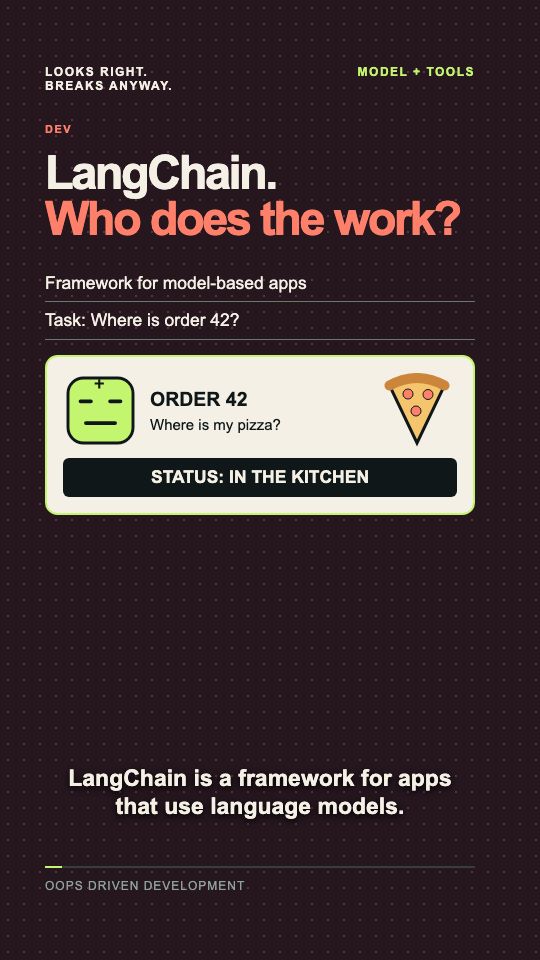
A harness is the software around a model: it connects tools and their results, controls execution and may manage context and stopping. This normalized request alone runs nothing. The message shape below is our teaching format, not a provider API.
const call = { id: "call_1", name: "runTests" };Check permission before execution
The trusted application permission must be true. Denied or unknown tool requests return blocked without executing a tool. runTests is a fixed local function; no model-provided shell command is executed. This excerpt shows the dispatch path; the complete companion adds input validation, execution timeout, output limits and error handling.
let result = { error: "blocked" };
if (call.name === "runTests") {
  if (permissions.tests === true) {
    result = await runTests();
  }
}
await model.next({ call, result });
Return the result to the model
With permission off, the next input contains blocked. With permission on, a real intentionally failing checkout fixture returns one failed test and no passing tests. The adapter retains the complete output and call ID. model.next is our custom interface; a real provider adapter must use its required tool-result message format. The model may use this evidence to plan a next step, but a repair is not guaranteed.
// Same runTests request, permission off:
{ error: "blocked" }

// Permission on, actual test summary:
{ failed: 1, passed: 0 }
Choose the simplest harness that fits
Start with an existing harness and add controls for demonstrated needs. Full systems also manage context (what the model can see) and stop conditions. Compare models and harnesses on the same real tasks, considering quality, time and cost. The episode does not benchmark any combination or prove production security.
Code blocks are teaching excerpts. Keep the surrounding error handling and application requirements.
Save the code excerpts ↓Read the full transcript
What's an AI harness? Is that the model that fixes my code? No. The harness is the software around the model. It connects tools, sends back their results, and controls what can run. So when the model says run tests, who actually runs them? The model returns a tool request. That's data, not a test run. Here, the requested tool is run tests. Our tiny JavaScript harness checks permission first. If tests are allowed, it calls the test tool. Otherwise, it returns blocked. The tool reports one failed test. The harness sends that result back to the model, so it can use real output to plan the next step. Full harnesses also manage context, meaning what the model can see, and stopping rules. Start with an existing harness. Add custom controls when your task needs them. So a better harness always beats a better model? No. Test both on your real tasks. Neither fixes everything. Mine just tells someone else to run the tests. Congratulations. You built a manager.